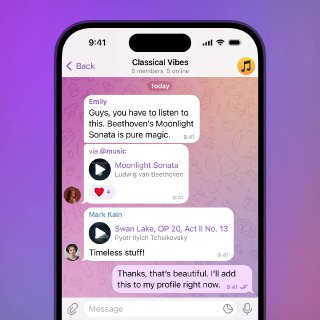
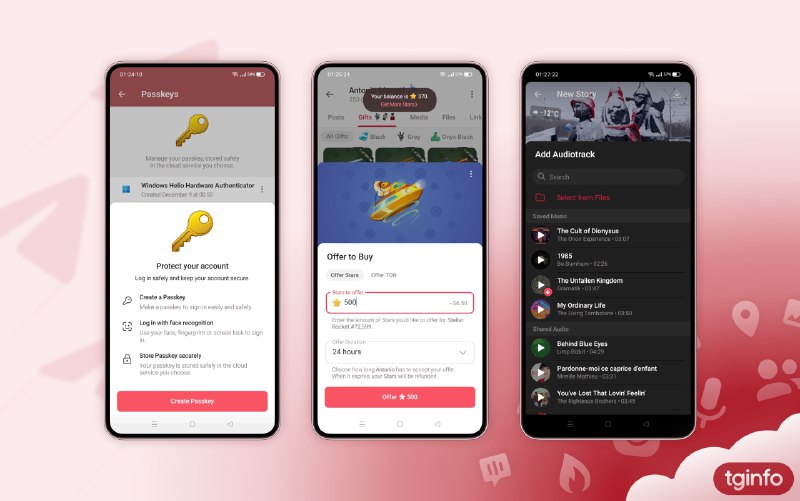
Music in Profiles • With this update, users can now add songs from any chat directly to their profile.
• When music is saved to a profile, a separate playlist is automatically created, including previously saved tracks.
• The audio file placed at the top of the profile playlist or added last will be displayed as the main track.
• To save music to your profile, play any audio in the built-in player and tap
“Add to Profile”. You can also find the track in the chat playlist and choose
“Save to... > Profile”.
• The song will be added to the user’s public playlist, visible to anyone viewing their profile. Currently, playlist visibility cannot be customized.
• You can view, sort, and delete tracks from your music playlist in the “My Profile” section.
• Users can choose how to save a track: to device storage, to the “Favorites” chat, or directly to their profile.
Full list of changes — available here.
#update