Major Redesign of Android AppIn
12.3 Beta version of
Telegram for Android, the app’s interface has undergone a substantial redesign.
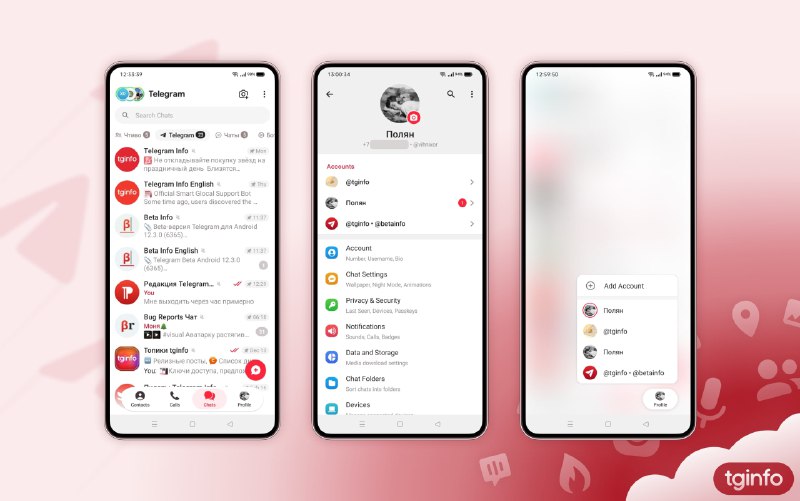
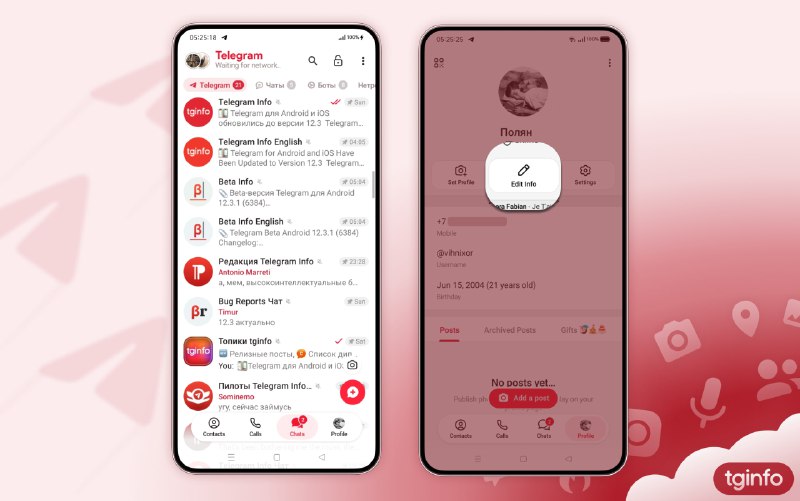
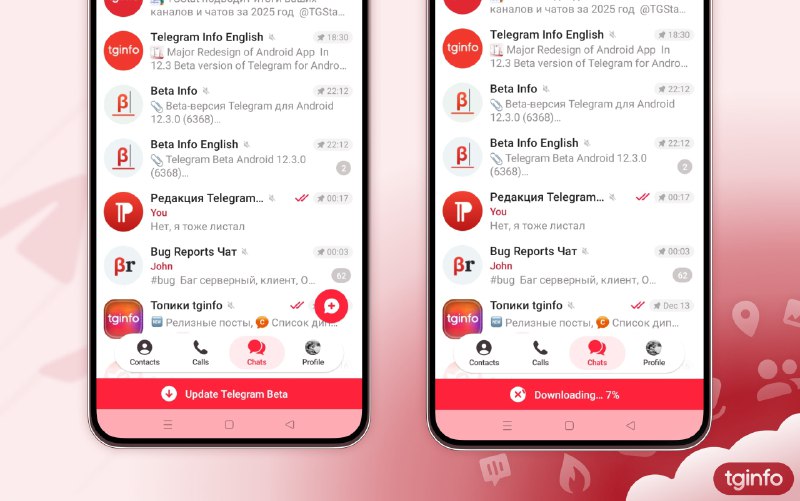
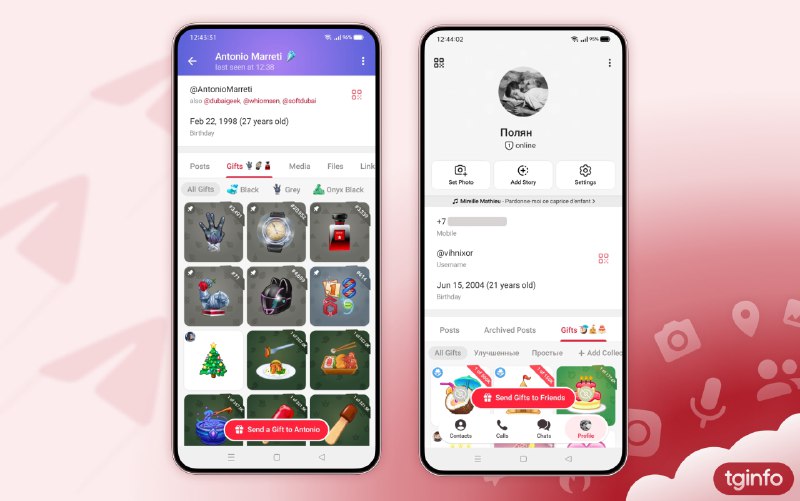
What’s new:• The side menu has been completely removed. Key sections such as "Profile", "Contacts", and "Calls" have been moved to the bottom navigation bar, while the remaining options are now located in a three-dot overflow menu positioned directly above the chat list.
• The "Settings" section is now accessible in two ways: via a large "Settings" button on the Profile tab, or through the three-dot menu at the top of the screen.
• Long-pressing the "Profile" tab in the tab bar allows you to quickly switch between your signed-in accounts. This can also be done from the Settings section.
• The global search bar is now available directly above the chat list and remains visible while scrolling.
• The button for creating a new Story has been moved to the top of the screen.
• The icons next to items on the main "Settings" screen have been updated.
• The active chat folder is now displayed in a capsule-style design.
#Android